Your AI assistant for
your entire desktop.
Jarvis understands your voice, controls your apps, automates your workflows, and connects to your smart home — all from a single, beautiful interface.
Safe, trusted, and used by thousands of professionals.



Jarvis, an AI that can build.
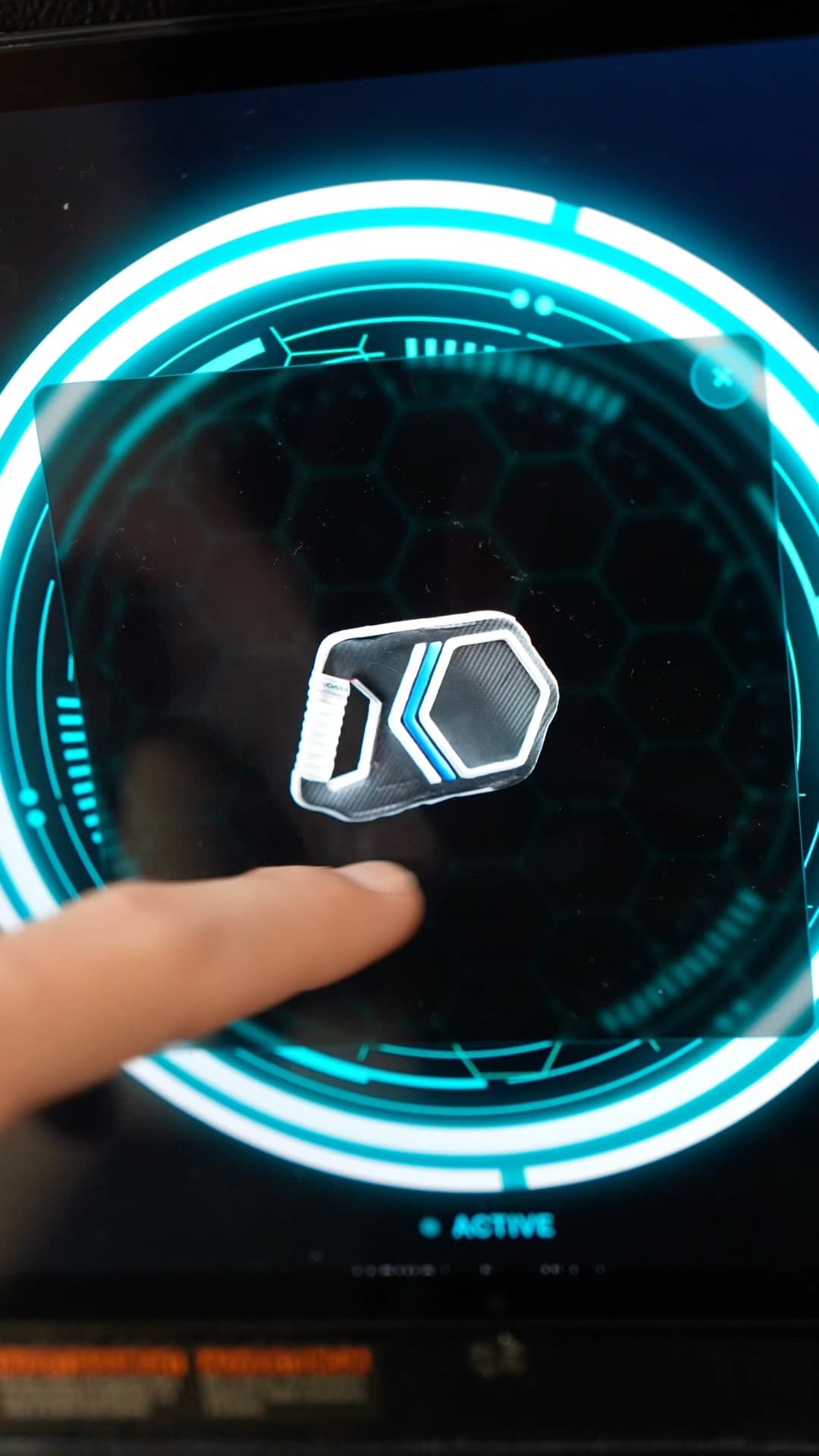
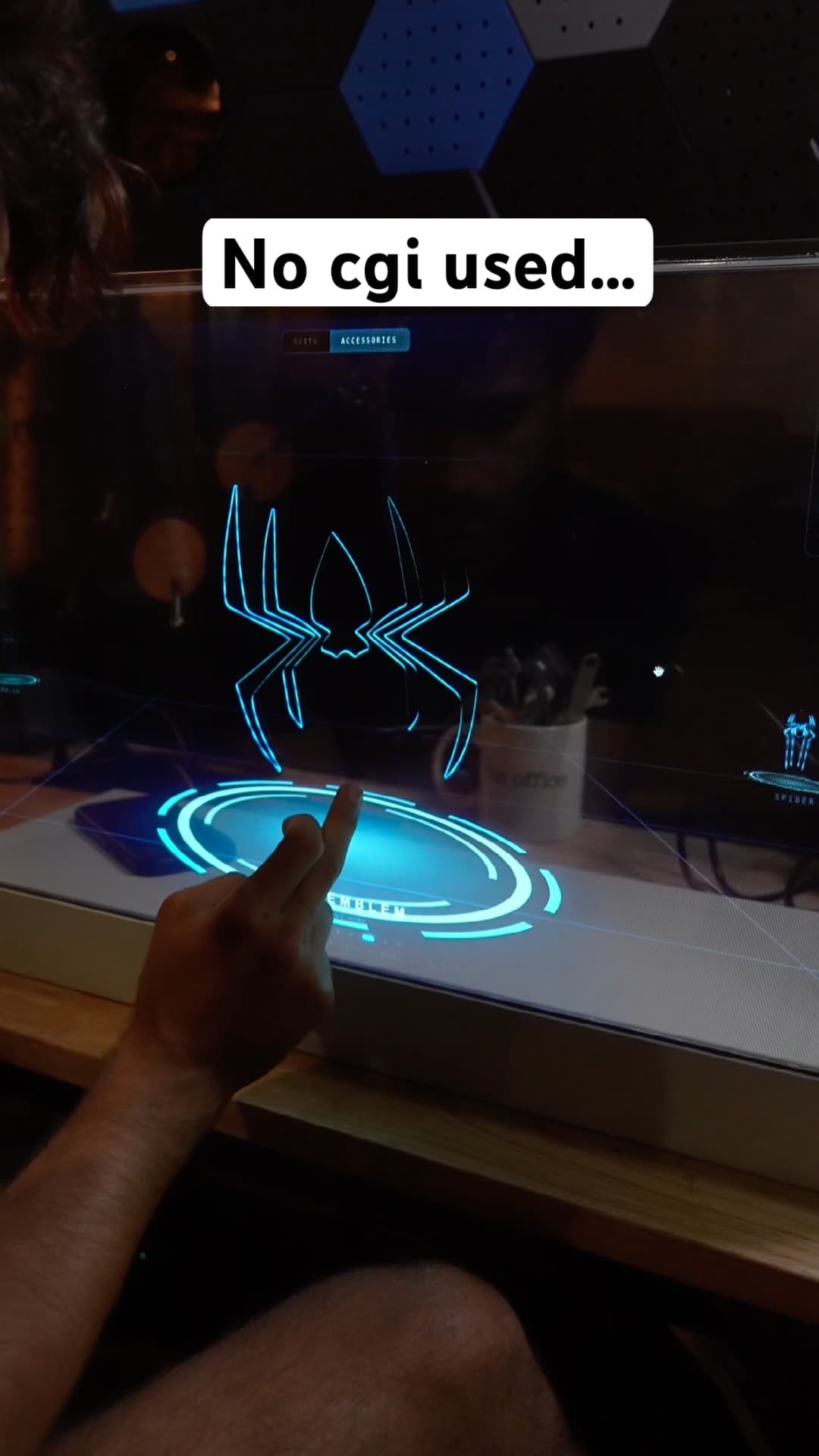
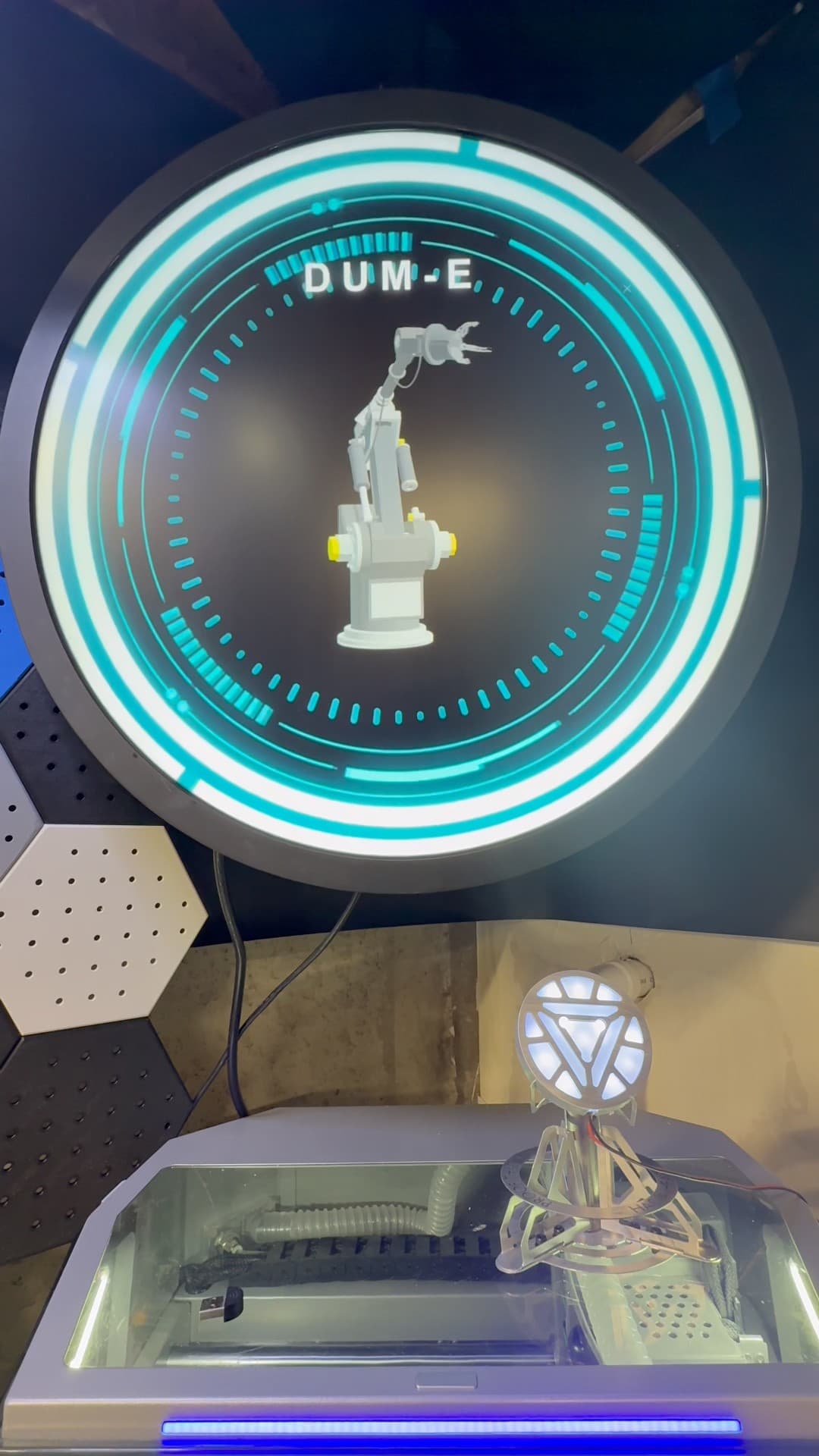
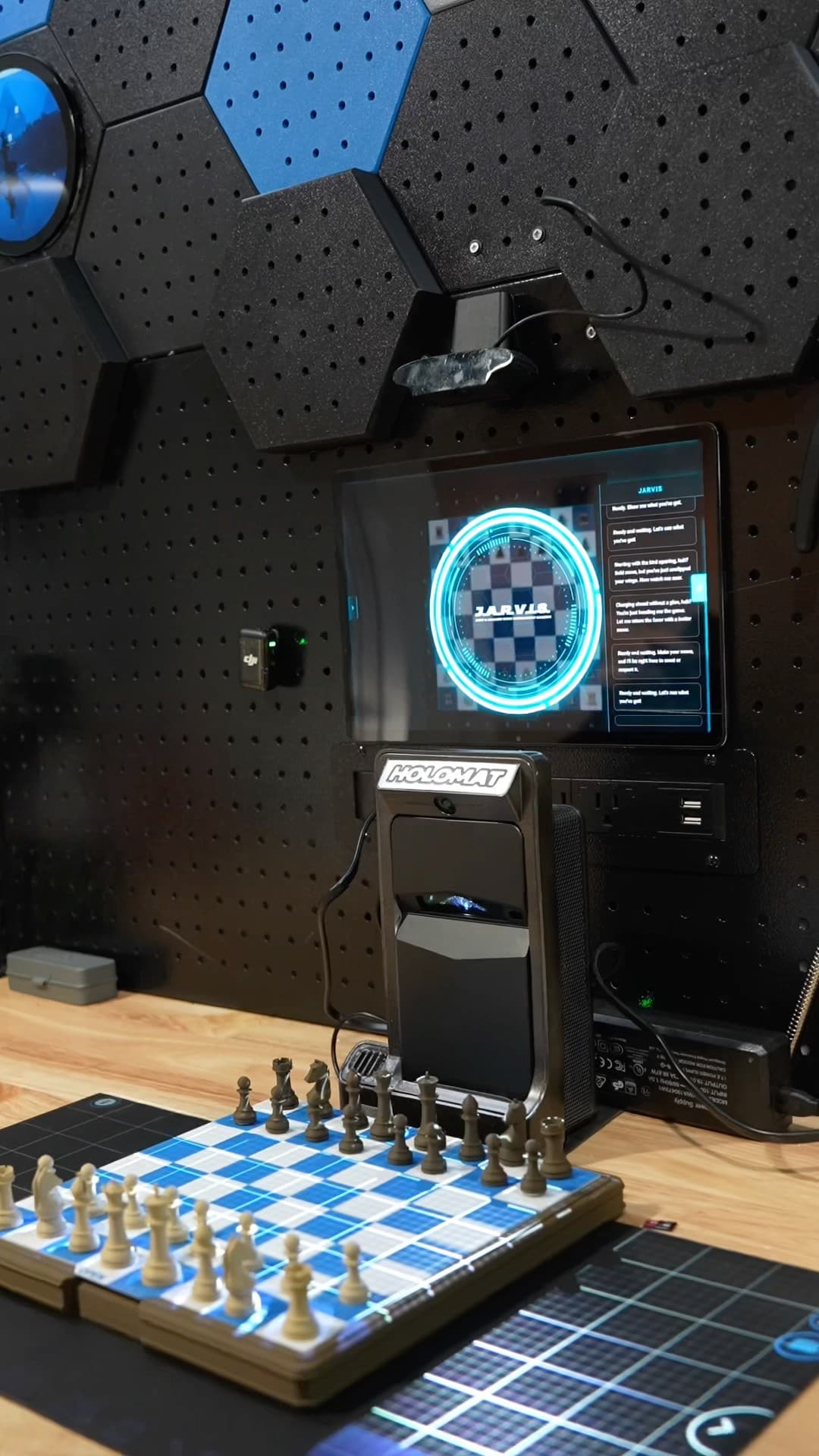
Short clips of real builds and demos. Tap any video to watch it on YouTube.

Everything you need,
nothing you don't.
Jarvis integrates deeply with your desktop, so you can get more done in less time — naturally.
Natural Voice Conversations
Talk to Jarvis naturally — it understands context, remembers your preferences, and responds intelligently in real time.
Control Desktop Apps
Open, close, and control any app on your computer. Jarvis can fill forms, navigate menus, and automate repetitive tasks.
Smart Home Integrations
Connect to your smart home devices. Control lights, thermostats, locks, and more with a simple voice command.
3D Printer Control
Monitor and control your 3D printers remotely. Check print progress, adjust settings, and get alerts — all from Jarvis.
Live Widgets & Dashboards
Stay on top of everything with live maps, news feeds, calendar events, and custom widgets surfaced when you need them.
Always Learning
Jarvis adapts to your workflow over time. The more you use it, the smarter and more personalized it becomes.
10K+
Active Users
50M+
Commands Executed
99.9%
Uptime
4.9★
Average Rating
Get started in three simple steps.
01
Download Jarvis
Download the desktop app for macOS, Windows, or Linux. Takes less than two minutes to install.
02
Create Your Account
Sign up and choose a plan that fits your needs. All plans include unlimited AI commands.
03
Start Talking
Open Jarvis, hit the hotkey, and start talking. Say "Hey Jarvis" and your assistant is ready.
Ready to meet your
new desktop assistant?
Join thousands of professionals who use Jarvis to work smarter every day.